How to Export iCloud Mail to Your Computer
Apple doesn't provide a one-click "export my mail" button for iCloud Mail, which surprises a lot of people looking to back up an @icloud.com, @me.com, or @mac.com account. The good news is iCloud Mail fully supports standard IMAP access, which means any IMAP-capable mail client or backup tool can download your mail — you just need to set it up correctly, including one Apple-specific step: an app-specific password.
Step 1: Generate an app-specific password
For MailVault’s manual IMAP connection, use an app-specific password. Creating one requires two-factor authentication on your Apple Account. Apple also supports account authorization in some other clients, so follow the instructions for the app you actually use:
- Go to appleid.apple.com and sign in.
- Under Sign-In and Security, choose App-Specific Passwords.
- Click Generate an App-Specific Password, give it a label like "Mail backup," and Apple shows you a one-time password.
- Use that password (not your regular Apple ID password) when your mail client or backup tool asks you to sign in.
Step 2: iCloud Mail's IMAP settings
- IMAP server:
imap.mail.me.com, port 993, SSL/TLS. - SMTP server:
smtp.mail.me.com, port 587, SSL/TLS, authentication required. - Username: your full iCloud email address (including @icloud.com, @me.com, or @mac.com).
Step 3: Connect a mail client or archiving tool and download everything
With the app-specific password and IMAP settings above, any standard mail client can connect and sync your iCloud mail. If you're just backing up (not planning to use the client day-to-day), a dedicated archiving tool is a better fit than a full mail client, since it's built to download and preserve everything rather than just display your inbox.
Why export iCloud Mail at all
A few common reasons people back up iCloud Mail specifically: iCloud storage tiers are notoriously small on the free plan (5 GB shared across Mail, Photos, and device backups), so mail often gets caught in the squeeze; some people want a copy of their email that doesn't depend on staying inside the Apple ecosystem; and some are moving away from Apple hardware entirely and want their mail history to come with them.
Exporting iCloud Mail with MailVault
MailVault is a free desktop email app for macOS, Windows and Linux. Add your iCloud account using the IMAP settings and app-specific password above, select the folders you want, and MailVault downloads each message as an individual .eml file, organized in a standard Maildir structure on your disk. Because each email is its own file, you get a searchable, browsable local archive — not one giant export you have to import elsewhere before you can use it.
These file-layout instructions use the default Maildir format. Settings → Storage also offers JMAP storage, which keeps original message bytes with JSON records and deduplicates identical messages.
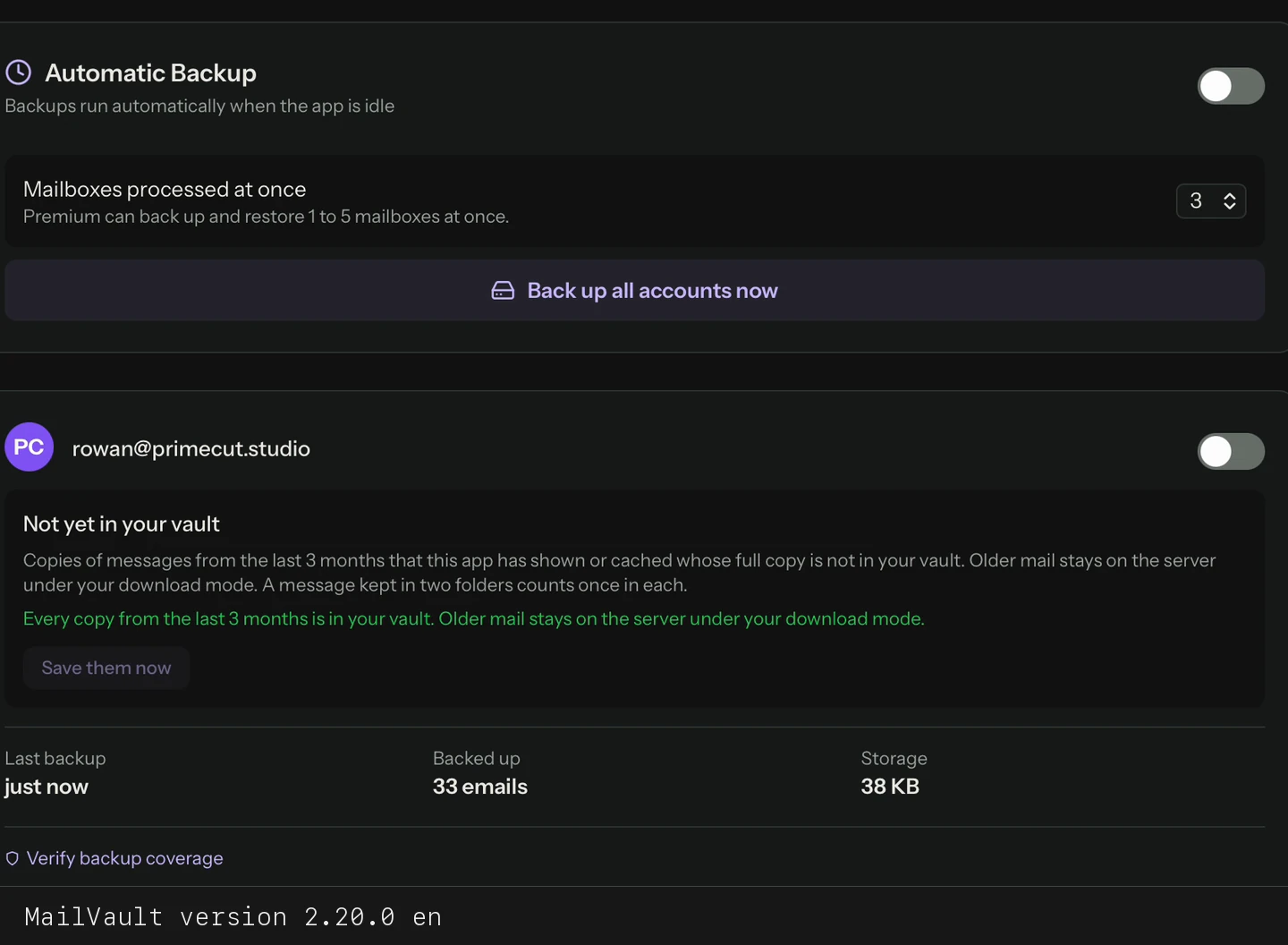
Manual archiving is free and unlimited. If you want your iCloud Mail backup kept up to date automatically on a schedule, that's part of MailVault Premium ($4/month or $25/year; 14-day free trial on yearly).
Get iCloud Mail onto your own disk
MailVault archives iCloud Mail as individual, searchable .eml files once you're connected via app-specific password. Free, with the source live on GitHub.
Frequently Asked Questions
Why do I need an app-specific password for iCloud Mail?
MailVault’s manual IMAP connection uses an app-specific password instead of your regular Apple Account password. Two-factor authentication is required to create one. Generate it in your Apple Account under Sign-In and Security → App-Specific Passwords.
What are iCloud Mail's IMAP server settings?
IMAP server imap.mail.me.com on port 993 with SSL/TLS. For sending mail, SMTP server smtp.mail.me.com on port 587 with SSL/TLS and authentication required. Use your full iCloud address as the username.
Does iCloud have a built-in mail export feature like Google Takeout?
No. Apple doesn't offer a dedicated one-click export for iCloud Mail. The practical way to get your mail out is connecting a mail client or backup tool over IMAP with an app-specific password.
Can I export iCloud Mail on Windows?
Yes. MailVault runs on Windows 10 and 11 (64-bit). Add your iCloud account with the IMAP settings and an app-specific password, then choose the folders to export.
Related reading: what to look for in an IMAP backup tool, how local IMAP archiving works, and MailVault vs Apple Mail.