How to Back Up Yahoo Mail to Your Computer
Yahoo supports app passwords for third-party mail clients. In Yahoo Account Security, open External connections and create an app password for MailVault. Copy it into the password field when adding your Yahoo account. See Yahoo’s app-password instructions.
What actually works for Yahoo Mail
MailVault connects to Yahoo over IMAP. Use these settings:
- IMAP server:
imap.mail.yahoo.com, port 993, SSL/TLS. - SMTP server:
smtp.mail.yahoo.com, port 465 with SSL/TLS or port 587 with STARTTLS. - Sign-in: enter your full Yahoo email address and a Yahoo app password, not your normal account password.
If Yahoo does not let you create an app password, follow its account-security guidance. Do not substitute your normal password or disable two-step verification.
Why back up Yahoo Mail at all
A mailbox quota is not a backup. Keep a separate copy for these reasons:
- Yahoo has been sold and restructured multiple times, and product changes or account security incidents have made long-time users understandably cautious about relying on it as the only copy of their email history.
- Migrating away from Yahoo to a different provider, and wanting a local copy before making the switch.
- Simply wanting an offline, searchable archive that doesn't depend on any provider staying online or keeping your account active.
Backing up Yahoo Mail with MailVault
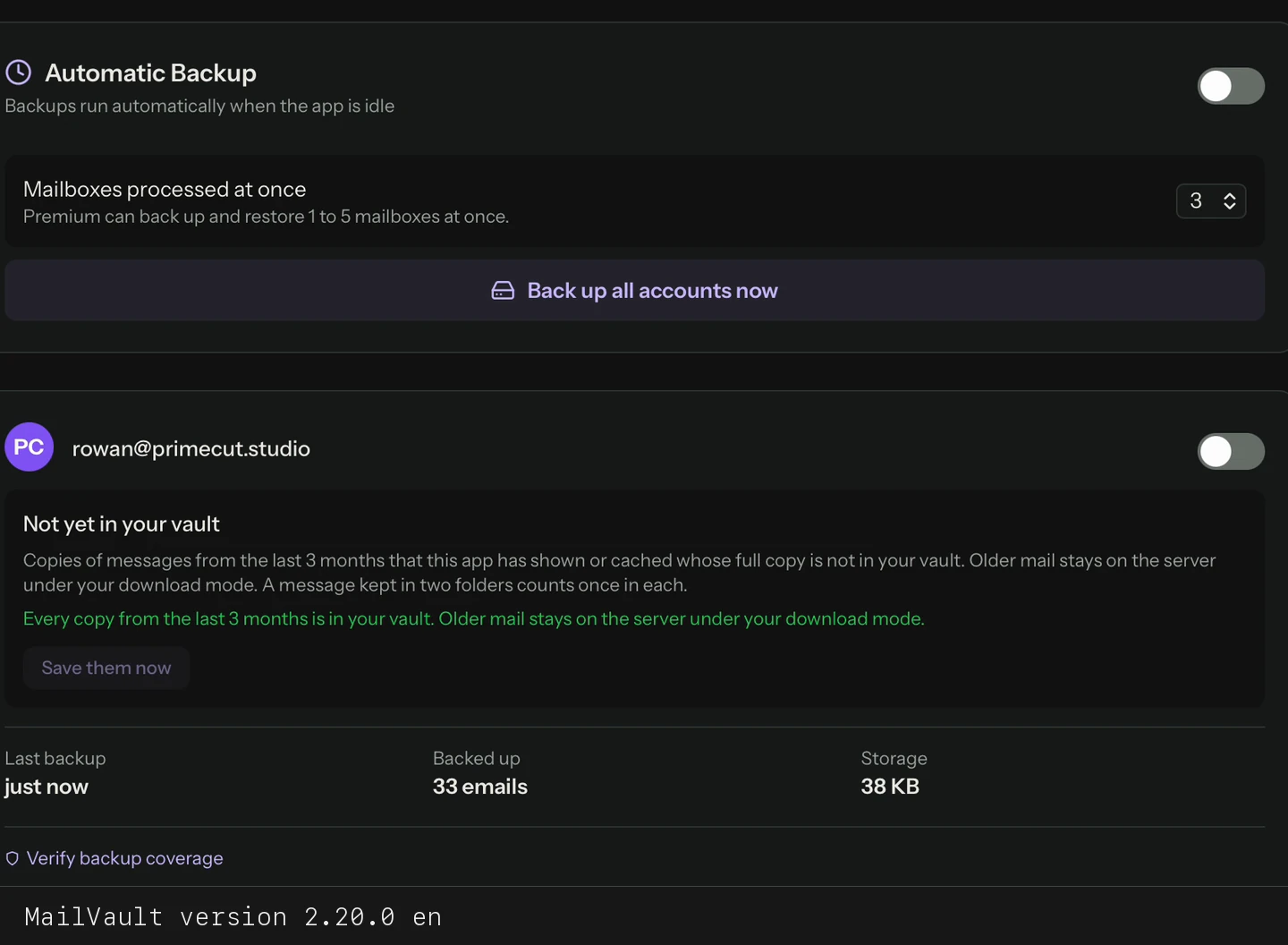
In MailVault, add an account, choose Yahoo Mail and enter your email address and app password. Archive the folders you want to keep, then open saved messages and attachments offline to check the copy. Maildir, the default vault format, stores each message as an .eml file. Keep a second copy on another drive before deleting anything from Yahoo.
Manual archiving of your full Yahoo mailbox is free and unlimited in MailVault. If you want your Yahoo backup to update itself automatically on a schedule rather than archiving in batches, that's part of MailVault Premium ($4/month or $25/year; 14-day free trial on yearly).
Back up Yahoo Mail with an app password
Connect Yahoo over IMAP with an app password and archive your mail locally. Manual backups are free, with the source live on GitHub.
Frequently Asked Questions
Does Yahoo Mail support app passwords?
Yes. For a mail app such as MailVault that does not use Yahoo’s branded sign-in page, generate an app password in Yahoo Account Security → External connections and use it instead of your normal password. Yahoo controls whether an account is eligible to create one.
What are Yahoo's IMAP settings?
IMAP server imap.mail.yahoo.com on port 993 with SSL/TLS. For sending mail, SMTP server smtp.mail.yahoo.com on port 465 with SSL/TLS or port 587 with STARTTLS.
Why back up Yahoo Mail when the account already has online storage?
Yahoo’s current help lists 20 GB of free storage, so check the allowance shown in your account. A local backup also gives you an offline archive independent of Yahoo and a copy to keep when moving to another provider.
Can I still use IMAP with Yahoo Mail in 2026?
Yes. Yahoo continues to support standard IMAP and SMTP access for third-party mail clients using an app password in clients that do not use Yahoo’s branded sign-in.
Related reading: what to look for in an IMAP backup tool, how local IMAP archiving works, and backing up email before closing an account.