Outlook.com / Hotmail Mailbox Full? Here's the Fix
Outlook.com (the modern name for what used to be Hotmail) gives free accounts 15 GB of email storage, plus 5 GB of cloud storage that OneDrive, Outlook.com attachments and Microsoft 365 apps share. When either one is full, you can no longer send or receive mail, and incoming mail bounces and you'll see storage warnings in the web interface and in Outlook desktop or mobile apps. Microsoft's own fix is to sell you more storage through a Microsoft 365 subscription — but if you'd rather actually solve the problem instead of renting more space indefinitely, here's the full picture.
1. Check where your storage actually went
In Outlook.com, go to Settings → Account → Storage to see a breakdown between email and cloud storage. If OneDrive is the bigger consumer, clearing out mail won't help much — you'll want to deal with OneDrive files separately. If Mail is the bulk of it, attachments are almost always the reason, not the text of the emails themselves.
2. Empty Deleted Items and Junk Email
Like most providers, Outlook.com keeps deleted messages in the Deleted Items folder until you empty it, and they still count against your quota until you do. Right-click Deleted Items and Junk Email in the folder list and choose "Empty folder" to reclaim that space. Microsoft says the new total can take up to 24 hours to show.
3. Sort by size and clear out attachment-heavy old mail
Use Outlook.com's search with hasattachments:yes and sort by size to find your biggest emails. A handful of years-old emails with large attachments — PDFs, videos, disk images — typically account for far more space than thousands of short text emails combined.
4. Consider whether you actually need Microsoft 365
Microsoft 365 Basic adds cloud storage and a larger Outlook.com mailbox, but it does not include the desktop Office apps. Personal and Family have different app and storage entitlements; compare the current plans before buying. But if you're only buying it to fix a full mailbox, you're paying an ongoing fee to delay a problem that will return once the new, larger quota fills up too.
5. Archive locally, then delete from the server
The approach that actually breaks the cycle: download a copy of the old emails you want to keep to your own computer, confirm the copy is complete, then delete those emails from Outlook.com. Your mailbox quota frees up permanently, and you keep every message, searchable and accessible offline, with no recurring storage fee attached to keeping your history.
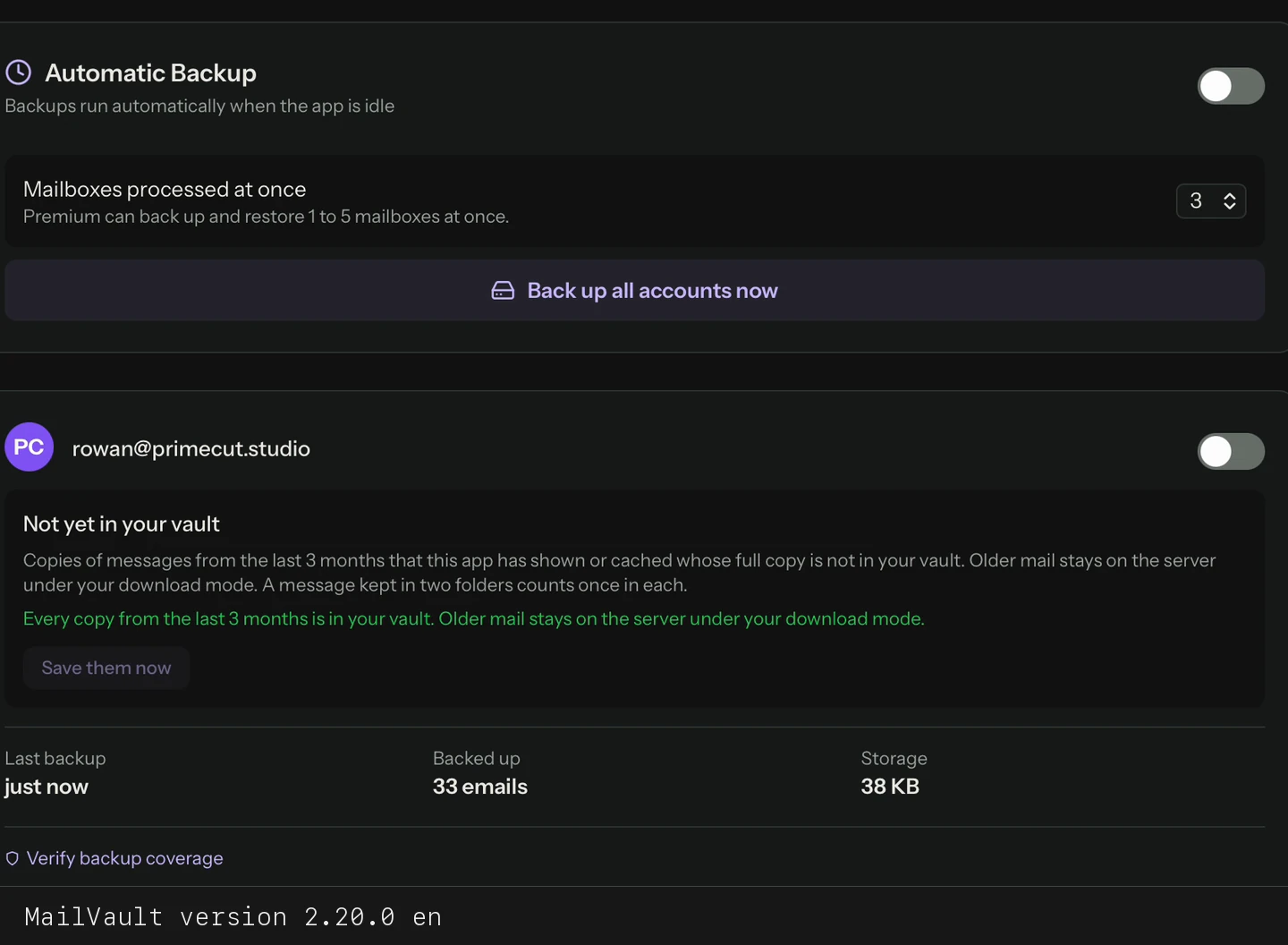
Outlook.com and Hotmail both support IMAP, so any IMAP-based archiving tool can do this. MailVault is a free option for macOS, Windows and Linux: connect your Outlook.com or Hotmail account with Microsoft's sign-in (no password fiddling; MailVault uses Microsoft Graph for personal Outlook.com accounts), select the folders you want, and MailVault downloads each message as an individual .eml file on your disk, organized in a standard Maildir structure. Once you've verified the archive — open a few emails, check attachments, search for something you remember — you can safely delete the originals from Outlook.com and get your quota back.
These file-layout instructions use the default Maildir format. Settings → Storage also offers JMAP storage, which keeps original message bytes with JSON records and deduplicates identical messages.
Manual archiving is free and unlimited in MailVault. If you'd rather it run automatically on a schedule instead of archiving in batches, that's a $4/month or $25/year premium feature — 14-day free trial on the yearly plan.
Free up your Outlook.com mailbox for good
MailVault archives Outlook.com and Hotmail mail as individual .eml files on your own disk before you delete anything from the server.
Frequently Asked Questions
How much free storage does Outlook.com give?
15 GB of email storage, plus 5 GB of cloud storage shared by OneDrive, Outlook.com attachments and Microsoft 365 apps. You can see the breakdown in Settings → Account → Storage.
Does emptying Deleted Items in Outlook.com free up space right away?
Yes, with a delay. Unlike some providers that wait a set number of days, once you manually empty the Deleted Items and Junk Email folders in Outlook.com, those items stop counting against your quota. Microsoft says the displayed total can take up to 24 hours to update.
Is Hotmail the same thing as Outlook.com?
Yes, for practical purposes. Microsoft rebranded Hotmail to Outlook.com years ago; old @hotmail.com and @live.com addresses still work and use the same Outlook.com storage and settings.
Can I archive Outlook.com email without paying for Microsoft 365?
Yes. MailVault's free tier can download your Outlook.com or Hotmail mail locally without any Microsoft 365 subscription.
Related reading: what to do when Gmail storage is full, how to free up email storage, and what to look for in an IMAP backup tool.